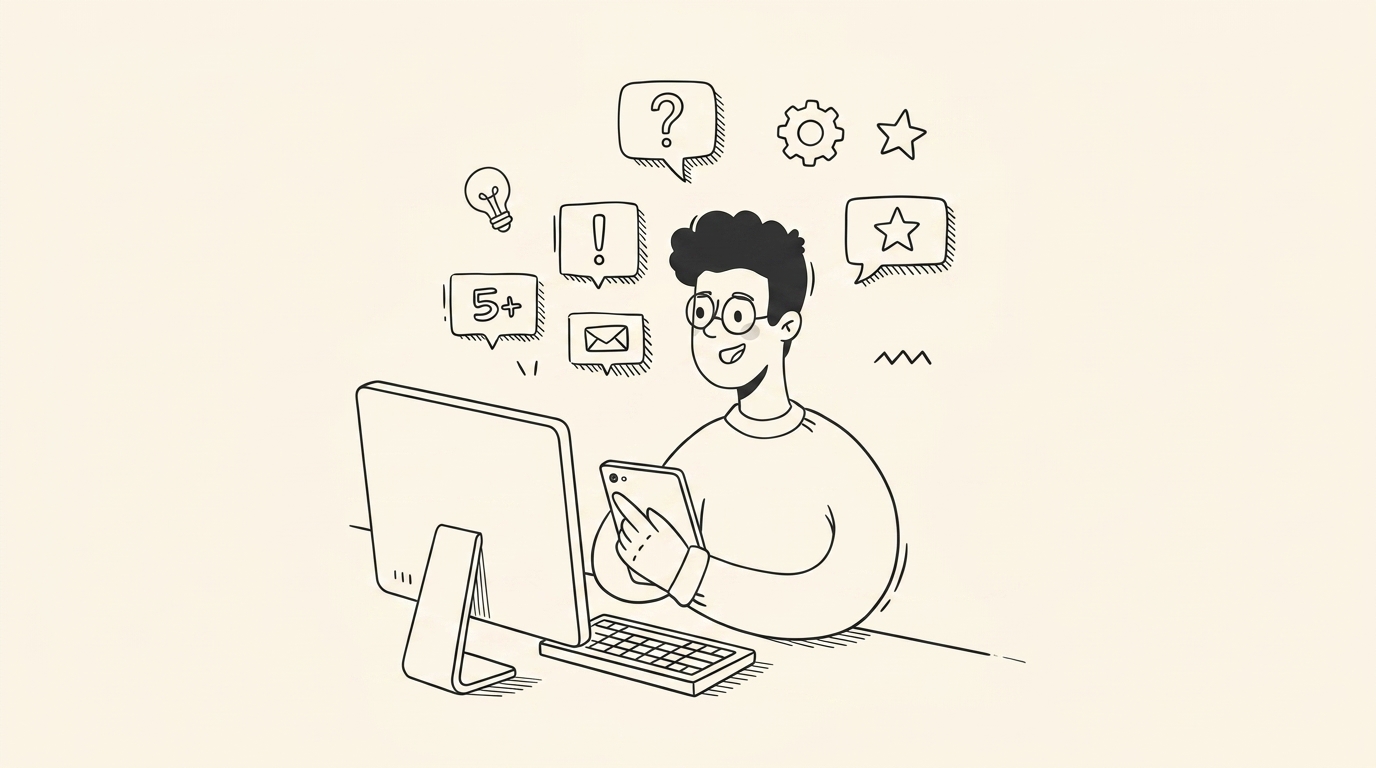
The Copy-Paste Tax
To get a useful answer from ChatGPT or Claude, you spend five minutes scrubbing and pasting Slack threads, Jira tickets, and meeting summaries into a prompt box.
Every other AI assistant expects you to copy-paste context, re-upload documents, and explain your week from scratch. Maple is an AI productivity assistant that runs on your computer, understands your active screen and meetings locally, and delivers answers grounded in your real work context.
Runs locally · Private on-device indexing · Zero data training
General-purpose chatbots know the public web, but they know nothing about your actual workday.
To get a useful answer from ChatGPT or Claude, you spend five minutes scrubbing and pasting Slack threads, Jira tickets, and meeting summaries into a prompt box.
Every browser session begins as a blank slate. Your AI personal assistant forgets the technical decisions you made yesterday and the sprint goals established this morning.
Pasting proprietary financial models, client strategies, or codebase diffs into third-party cloud servers risks sensitive data leakage and policy violations.
A native desktop companion engineered around contextual awareness, privacy, and calm computing.
Maple observes your active window title and screen content on-device. When you tap ⌥ Space, it answers with direct reference to what you're currently editing. Learn about screen-aware AI →
An on-device SQLite vector index connects past conversations, notes, and documents into a persistent knowledge graph that never forgets. Explore Maple's AI memory →
Captures live calls on Zoom, Google Meet, and Teams via driver-level audio loopback—transcribing and extracting action items without inviting awkward bots. See meeting assistant features →
Maple is developed with a strict local-first architecture. Raw screen frames, microphone audio, and document indexes remain stored exclusively on your physical hardware. When you ask a query, only the specific retrieved context snippet is dispatched to frontier AI models with strict zero-retention policies.
Generic AI chatbots operate entirely in the browser and rely on whatever text you manually copy into the prompt. Maple is a native desktop AI assistant that indexes your screen, meetings, and local documents in real time, so answers are already grounded in your active work.
No. Screen analysis and text extraction happen directly on your CPU/GPU using localized processing. Your raw screen captures are never stored in a cloud database or transmitted over the network.
Yes. Maple includes native system-level audio capture for Zoom, Meet, and Teams. It transcribes discussions, tags speakers, and extracts deliverables locally without adding third-party recording bots to the call.
Join our early preview cohort. Available for macOS and Windows.
Get early access